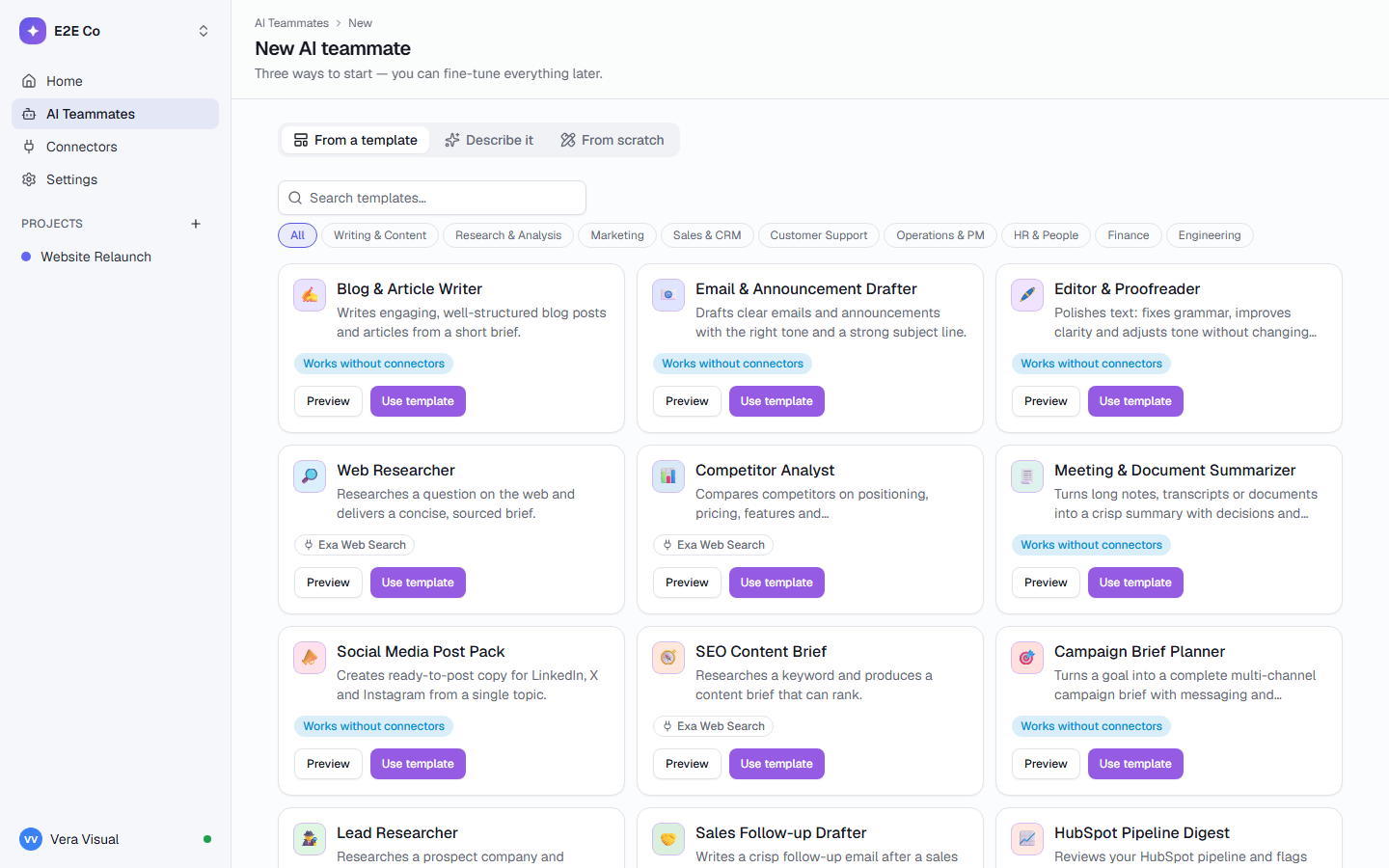
Every template on every planAI teammates are never seats
No teammate matches that. Describe the one you need to the agent builder instead.
Featured packs
Teammates that work well together.
Agency pack
For client work: captions, repurposing, reports and briefs.
Finance pack
For month-end and filings: reconciliations, expenses, variance notes and document chasing.
Engineering
For software teams: bug triage, release notes and answers from current docs.
Build your own
Describe the teammate you need.
1
Describe the role in the builder chat
“Draft friendly replies to customer emails using our refund policy.”
2
Add the inputs it needs
The fields it reads from the task, required or optional.
3
Pick connectors
From the built-in ones or your own MCP servers.
4
Choose when it runs, and whether it asks first
On assignment, a schedule, a state change or an automation.
app.taskcrew.com
The templates, in the app
FAQ
Teammates, answered
Do the teammates come with my plan?
Yes. Every template is on every plan. Plans differ in how many teammates a workspace can have at once: 2 on Free, 10 on Team, unlimited on Business and Enterprise. AI teammates are never seats.
Does a teammate act on its own or ask first?
It reads and drafts on its own. With “Ask before acting” on (the default), anything that changes another tool, like posting to Slack or updating HubSpot, waits for a person to approve the exact action.
Can I change what a teammate does?
Yes. Edit its role, inputs, connectors and limits after you hire it, or describe a new one to the agent builder. Each run keeps a snapshot of the version it used.
What does “Needs” mean on a card?
The inputs a teammate reads from the task: a topic, a period, a list of invoices. If a required one is missing, the run stops at once and says exactly what to add.
Do I need the connectors?
Only for teammates that use them. Most work with TaskCrew alone. A teammate that needs one, like HubSpot Pipeline Digest, asks you to connect it before its first run.
Hire your first AI teammate in a minute.
Free for up to 5 people, with 2 AI teammates and 500 AI credits a month.